


As there has been for many years, a Twitch Prime pack has been released for EA Sports FC 24. Let’s take a look at what is in it and how to claim it.
Twitch has released a pack every month for years and EA Sports FC 24, is no different. With the new game being out for several weeks on PlayStation and Xbox it was about time it was released. The requirements to claim this pack are always the same, but what is in the pack is constantly changing. With that being said, let’s take a look at how to claim this pack and what is in it.
How to Claim Prime Gaming pack
This process is quite simple. Simply find your way onto the Prime Gaming website and select EA Sports FC 24. As there is currently only one pack out, it will take you to ‘Prime Gaming Pack #1‘.
Now you have to sign into your Amazon Prime account. It must be said that you must be a Prime subscriber in order to get this pack.
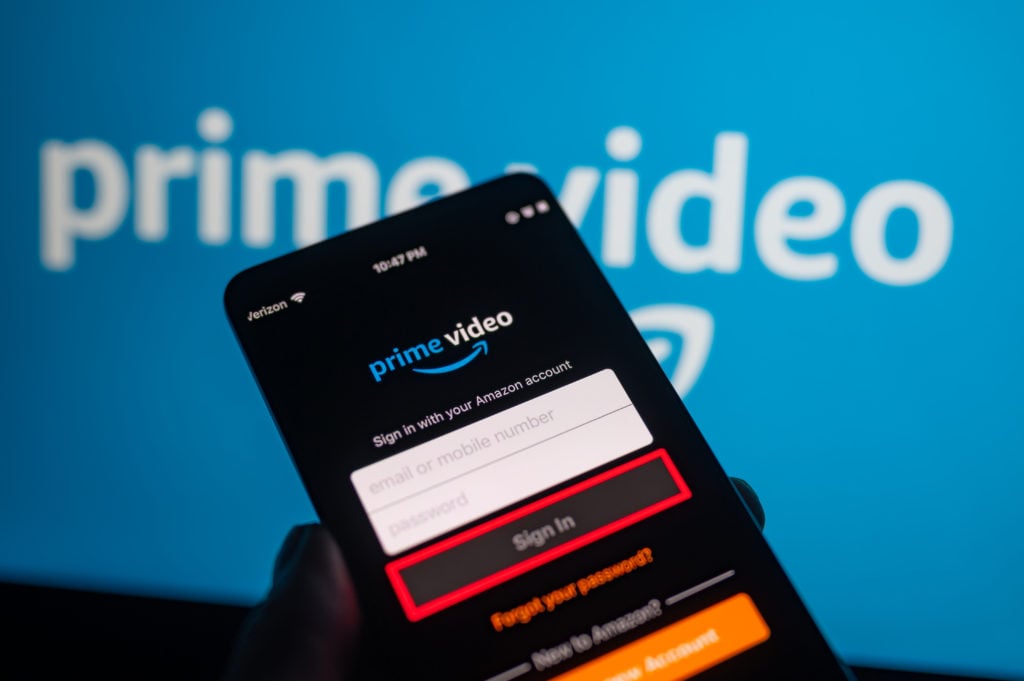
Once you have signed into your Prime account you must log in to your EA FC account and link them together. Do this and you have access to claim the pack, simple!
What is in the Prime Gaming pack?
So, you’ve claimed the pack and have made your way onto the Ultimate Team store to open it. But what can you expect to see?
Well, don’t get too excited as you open it and see a Norway striker from Manchester City as you receive an Erling Haaland loan.

As well as your eight-match loan Haaland, you do get more in the way of players, consumables and a player pick. In the rest of the pack, you get:
- 1 81+ x3 player pick
- 4 Rare gold players
- 6 Rare gold Consumables
It may not be the greatest pack in the world but as a little freebee, it is a bit of fun. There is the chance to pack something great if you are lucky, and as always that is the fun of opening packs.